|
To
delete a note, select it and click the "Delete" button. Besides, you can use
Del
or Ctrl + D shortcuts.
Note: when you deleting a folder, all entries inside
this folder will be deleted too.
If
the confirmation option is on, the Confirmation window will
appear.
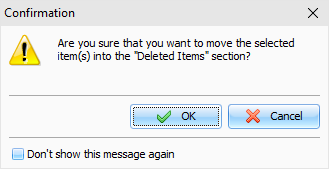
After
the confirmation all selected entries will moved into the
"Deleted
Items" section. This
feature will allow to restore deleted entries, in case if you
deleted them by mistake.
To
completely delete your entries, please delete them inside
"Deleted
Items" section. After
confirmation the entries will be permanently deleted from the
database:
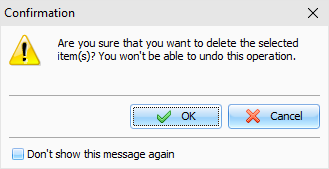
Warning: You won't be able to undo these
changes.
|