|
The
General options window looks as following:
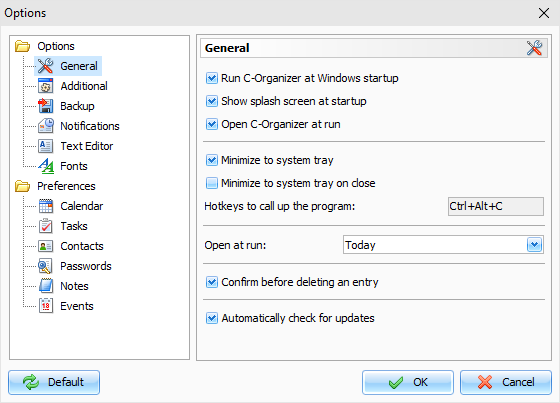
Run C-Organizer at Windows
startup - allows or forbids
the automatic program launching upon Windows startup.
Show splash screen at startup
- turns on/off the function of
showing splash screen at C-Organizer startup.
Open C-Organizer at run
- if this option is active, the
program will open at the desktop at each startup. If this option is
turned off, when the program is launched it automatically minimizes
to the system tray (near the Windows clock).
Minimize to system tray
- when this option is on,
C-Organizer will minimize to system tray when you minimize the main
window.
Minimize to system tray on
close - when this option is
turned on, C-Organizer will minimize to system tray when you close
the main window. Otherwise C-Organizer will be closed if you close
the main window.
Hotkeys to call up the
program - here you can enter a
key combinations, which will call up C-Organizer from system
tray.
Open at run
- here you can choose the mode you
would like to see in the program main window at startup:
Today, Last used
mode, Calendar, Tasks, Contacts, Passwords, Notes or Events.
Confirm before deleting an
entry - if this option is active, a dialog box with the
confirmation request will be shown before moving selected record
into the "Deleted Items" section:
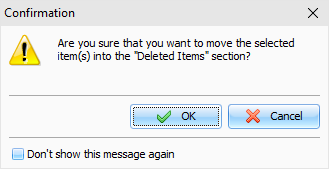
or
before permanently delete it from the database:
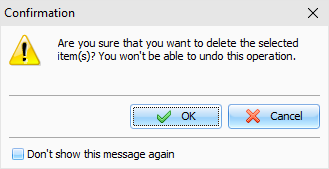
Automatically check for
updates - when this option is
on, C-Organizer will connect to http://www.csoftlab.com website
and notify you, if the new version is available. You can also check
for updates manually by clicking the "Help - Check for
updates" main menu
item.
|