|
Use
the Import function to transfer information from various
sources to the Advanced Diary database.
To
open the Import dialog box, click the "File -
Import" program's main menu
item.
The
Import process consists of a few simple steps.
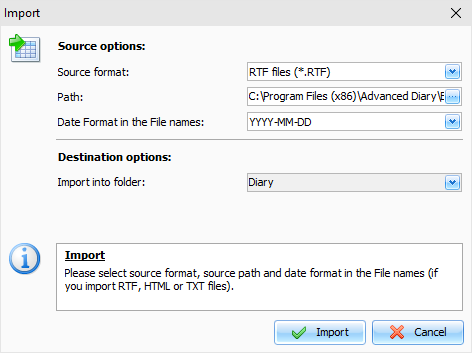
Choose the source format. Advanced Diary supports
the following formats:
Rich text files
(*.RTF)
HTML files (*.HTM)
Text files (*.TXT)
Advanced Diary
Databases (*.DNDB and
*.DDB)
Choose source files location.
Choose Date Format in the File names
(not
necessary if you import database file). For example: if you select "YYYY-MM-DD"
format, Advanced Diary will accept "2010-03-12.RTF" or
"2010-03-12.TXT" or similar file names.
Note: If you select the "Do not detect
date" option, all your entries
will be imported into a current
date.
Select Destination folder
(into which you would import
information) and click the "Import" button.
You
will see a next window with the import results:
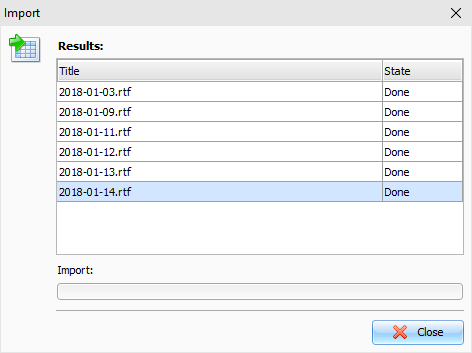
You
will get a notification message when the action is complete.
|